Backup and recovery
The 24 words, an encrypted backup file and an optional passphrase lock, and what happens if something stops halfway.
Umbra Trade keeps nothing for you on a server, so recovery is yours.
| Way back | Brings back | Speed |
|---|---|---|
| 24 words | Your shielded balance, and your Hyperliquid and Solana wallets | Slow: a private scan of the chain, then of those two venues |
| Backup file | Your words and your whole private-wallet list, Polymarket's included, with each wallet's funding record | The wallet list at once, with no venue scan; the balance still needs the private chain scan |
The 24 words
The words restore the shielded balance with a private scan from the Ironwood upgrade (block 3,428,143). Then Umbra Trade looks for the private wallets they made on Hyperliquid and Solana, asking each venue about one derived address at a time, 3–9 seconds apart, until it meets five unused ones in a row. Settings → Find my wallets runs that scan again.
Polymarket wallets need the backup file
The scan doesn't look for Polymarket and Polymarket Perps wallets. Their keys still come from your words, but only the backup file puts them back on your list.
The backup file
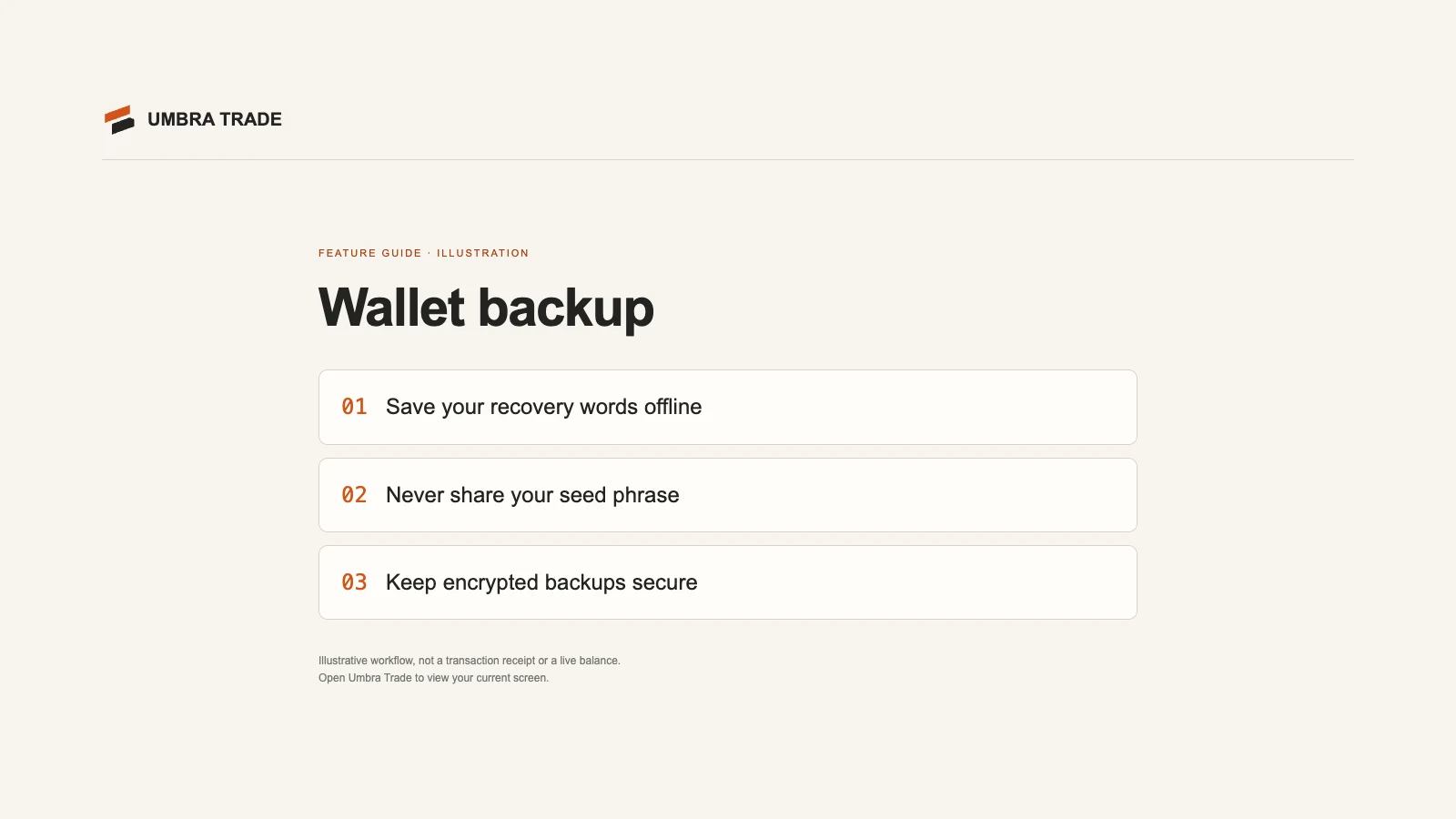
Settings → Backup file → Make a backup file asks for a passphrase of 8 characters or more and downloads
mitoshi-backup-YYYY-MM-DD.json: your words and your private-wallet list, encrypted with AES-GCM under a key from your
passphrase (PBKDF2-SHA-256, 600,000 iterations). Restoring from it brings the whole wallet list back at once, with no venue scan; the shielded balance still comes
back through the private chain scan from Ironwood. There is no
reset: if the passphrase is lost, only your 24 words get you back in.
The passphrase lock
Settings → Passphrase lock asks for a passphrase each time Umbra Trade opens in this browser. The vault key is then kept only wrapped under your passphrase; turning the lock on or off re-encrypts every record under a fresh key in one step. A locked vault opens nothing, not even the wallet engine, until it is unlocked. Lock now locks it at once.
Starting over
Settings → Forget this browser, behind a typed confirmation (FORGET), erases the vault here. Your money stays on the chains.
Restore from the 24 words or the backup file, in any browser: I have a recovery phrase on the first screen.
Anyone with your 24 words can move your money. Keep them offline and never type them into a website. Settings can show them (blurred until you hold), so don't open that with anyone watching.
If something stops halfway
| What stopped | What happens |
|---|---|
| A funding failed before anything was sent | It says so; Try again waits for a new random start |
| A funding's ZEC was sent | It goes back to following the swap; NEAR refunds to a fresh shielded address if it can't complete |
| NEAR refunded a trip home | The money is back in the venue wallet: send it home again. On Polymarket it comes back as USDC on Polygon; Send home turns it back into pUSD through the wallet's own bridge address first (the bridge takes $2 or more) |
| The tab closed during a funding | Every quote is saved before any ZEC moves, so the swap is found again on the next open; a funding that came due while closed gets a new random start |