Trade
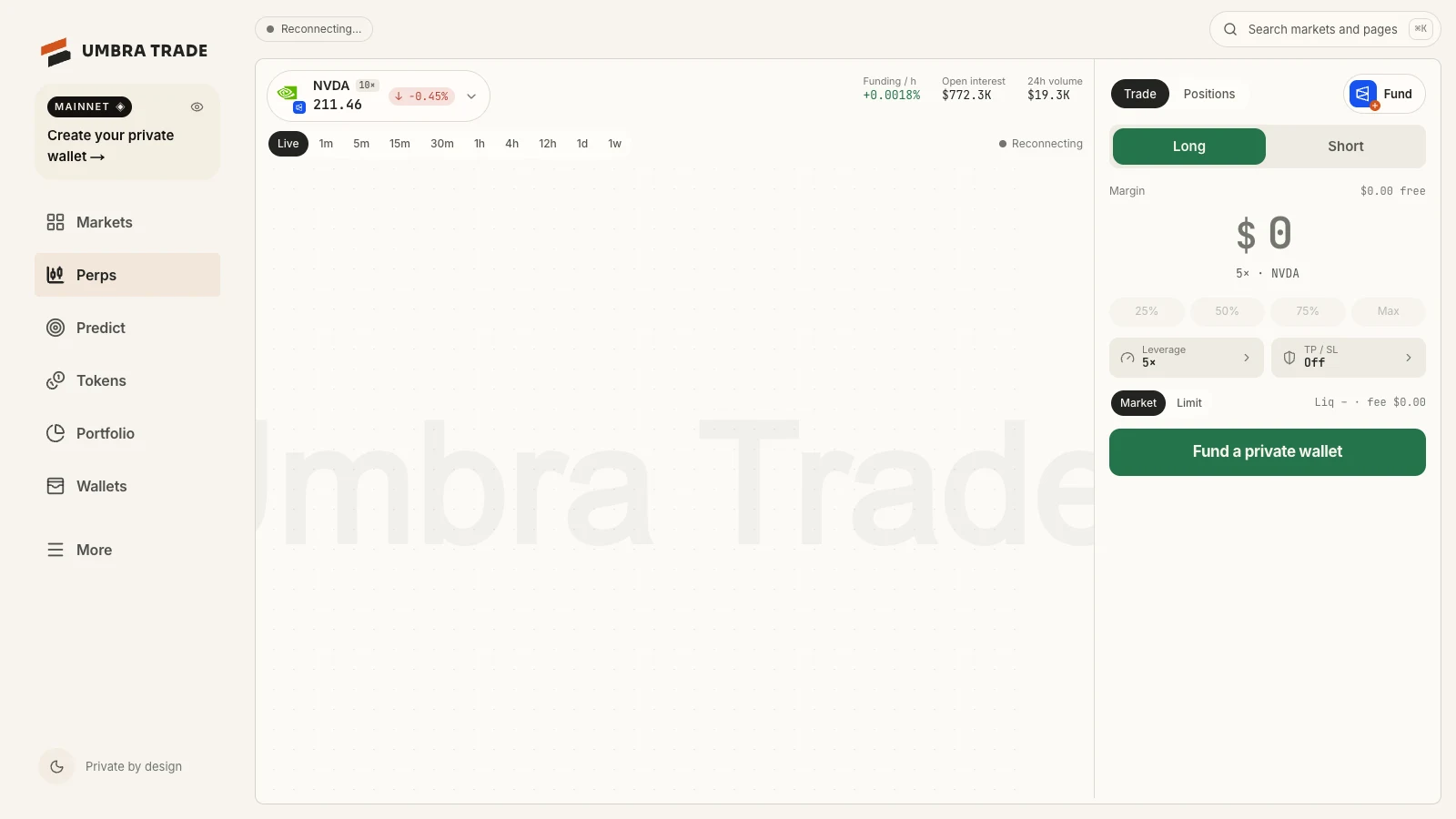
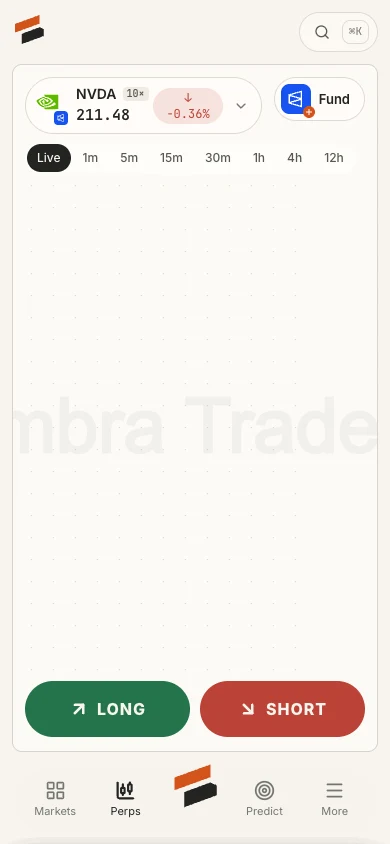
A live perps terminal for Hyperliquid crypto and Polymarket Perps stocks, gold and indices, with a ticket that starts with the amount.
The terminal
| Part | What it does |
|---|---|
| Market chip | The market, its venue, maximum leverage and live price; opens the picker (Hyperliquid or Polymarket, search, All · Stocks · Indices · Commodities · Crypto) |
| Chart | Opens on Live, the price line; pick an interval for candles: Hyperliquid 1m to 1d, Polymarket Perps 1m to 1w |
| Stats | Funding / h, Open interest, 24h volume (wide screens) |
| Wallet chip | Fund when this venue has no wallet; a ring and minutes while one funds; the free margin when it's ready |
| Tabs | Trade and Positions |
The ticket
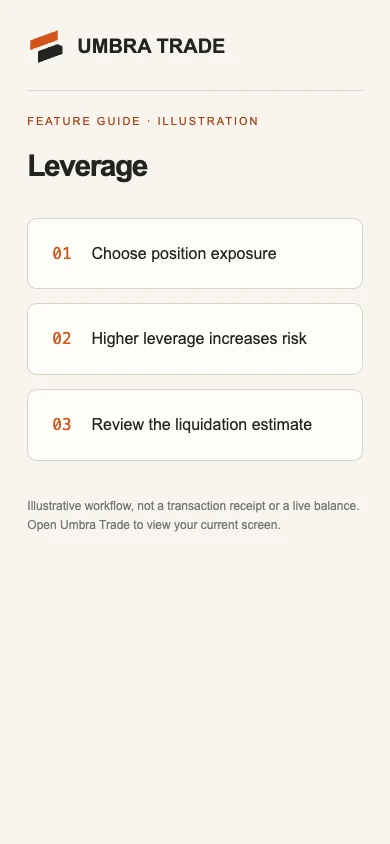
The ticket starts with how much margin you put in, not how many contracts.
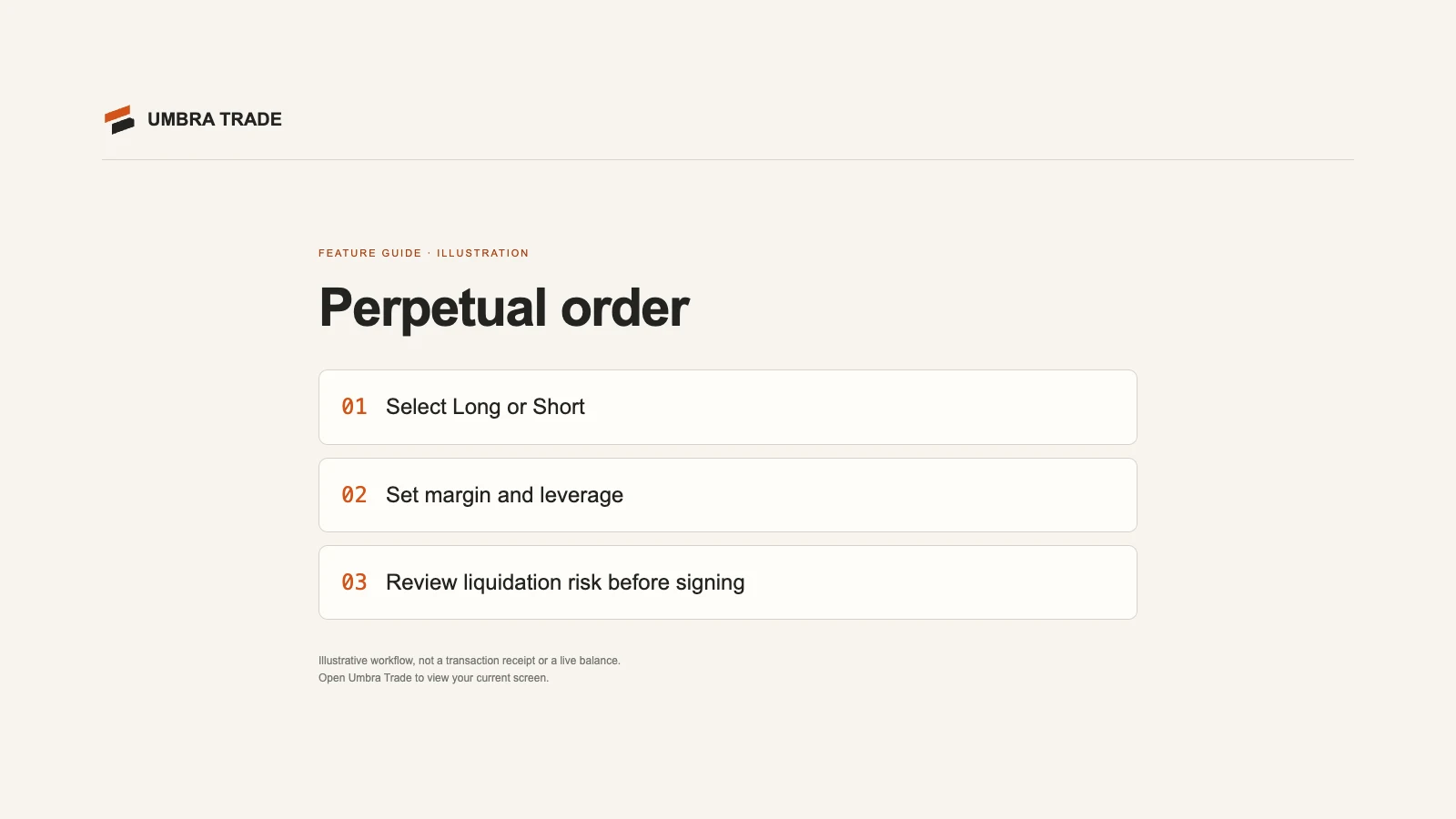
- Margin
- $25
- Leverage (default)
- 5×
- Position = margin × leverage
- $125.00
- Size = position ÷ price
- 0.5877 NVDA
- Fee = position × the venue's taker fee
- $0.05
- Liquidation, estimated
- 180.7908
| Control | Options |
|---|---|
| Side | Long / Short |
| Margin | Typed (a keypad on a phone), or 25% 50% 75% Max of what is free |
| Leverage | A slider and presets 1, 2, 3, 5, 10, 20, 25, 40, 50 up to the market's maximum, and Max |
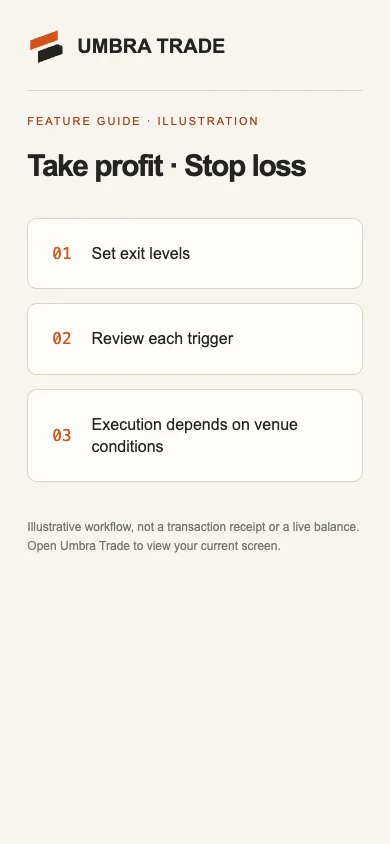
| TP / SL | Take profit +10% +25% +50% +100%, stop loss −10% −25% −50% −75%, as a return on margin, or a price |
| Type | Market (an IOC limit a little through the price) or Limit |
| Button | Long NVDA · 5×; with a problem, the fix: "Only $X is free", "The smallest position is $N", Fund a private wallet |
Placing the order
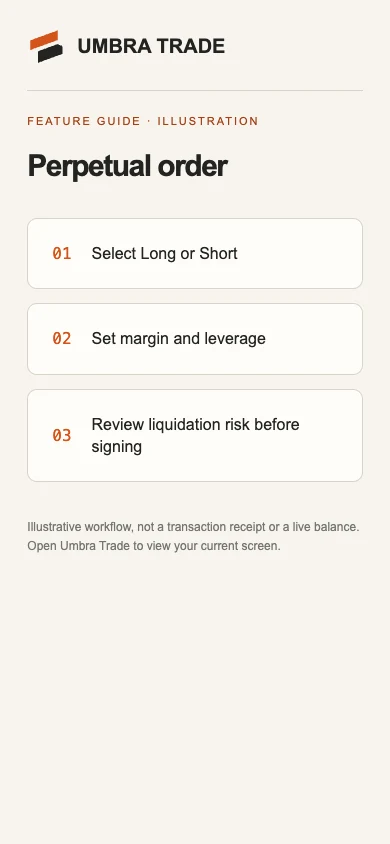
The order goes to the wallet that already holds this market; otherwise to a ready wallet that has never traded; otherwise the button reads Fund a private wallet and opens the funding sheet for this venue. The order isn't queued: when the wallet is ready, Umbra Trade says so and you place it.
While it sends, the ticket says what is happening: "Moving the funding into the perp account…", "Setting 5× leverage…", "Signing with this wallet's own key…" on Hyperliquid; "Setting up the wallet, gasless…", "Moving X pUSD into Perps…" on Polymarket Perps.
Positions and coming home
Positions lists each wallet's position (side, leverage, entry → mark, liquidation) with Close, and its take-profit and stop-loss with Cancel. Closing and coming home are two steps on perps: Close first (and cancel any open orders), then Send home appears once the wallet holds nothing.
Venue details: Polymarket Perps · Hyperliquid.