Getting started
Make a private balance in your browser with 24 words, back it up, and deposit shielded ZEC from Zodl. No account, no sign-up.
There is no account. Everything starts from 24 words made in your browser.
1. Create the wallet
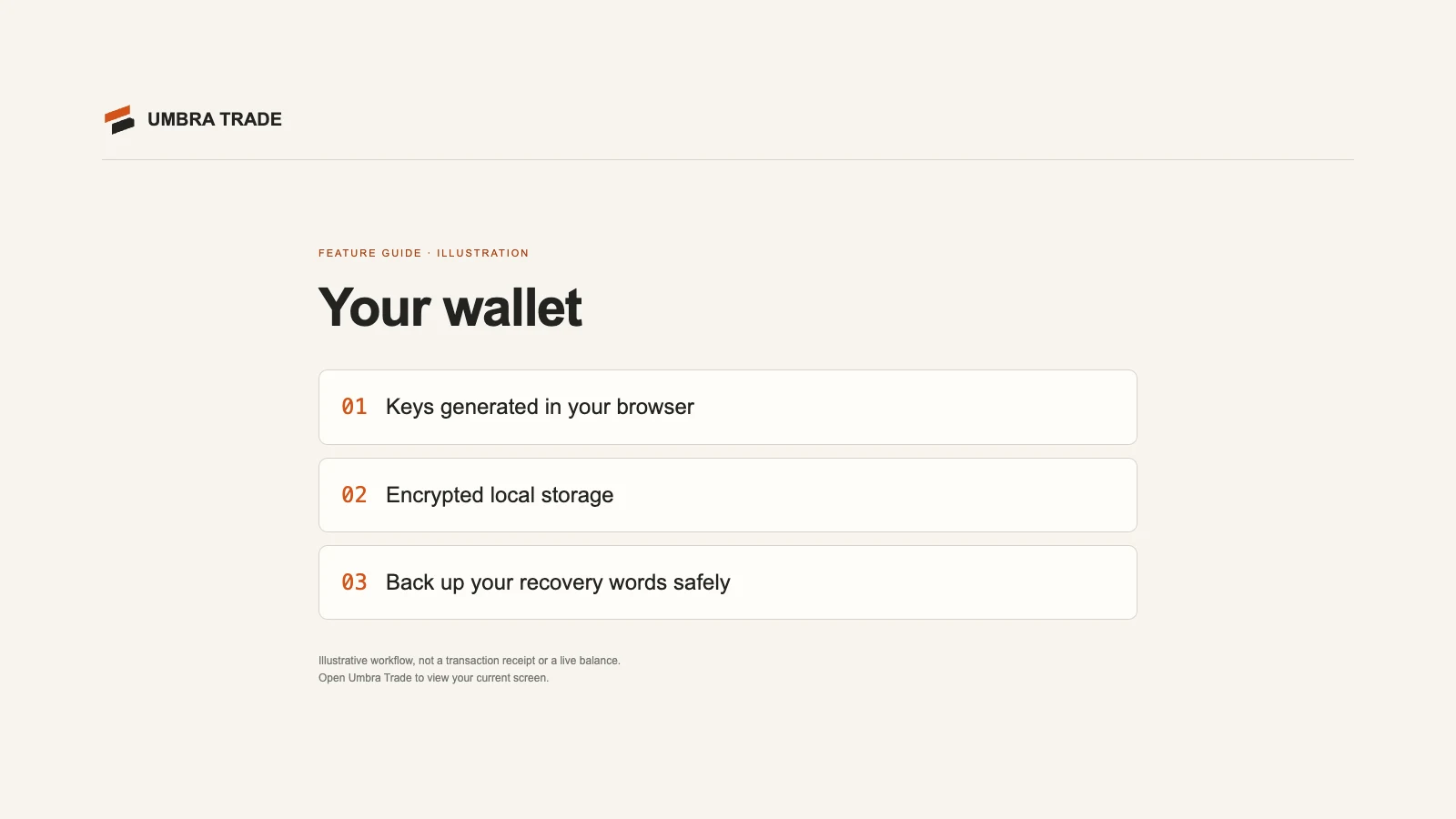
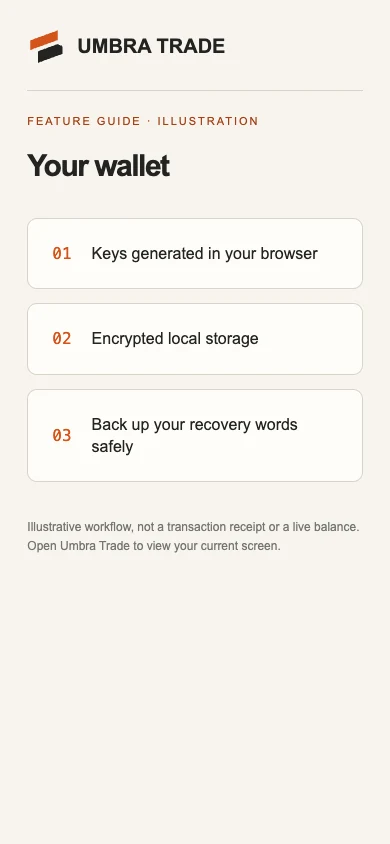
Open umbra-trade.vercel.app/wallet and choose Create a private wallet.
Write down these 24 words. They stay blurred until you press and hold Hold to reveal.
Check three words: pick the right word for three positions.
Create my wallet. Umbra Trade saves your words encrypted in this browser, makes your shielded account and syncs with Zcash. Then it opens your Portfolio.
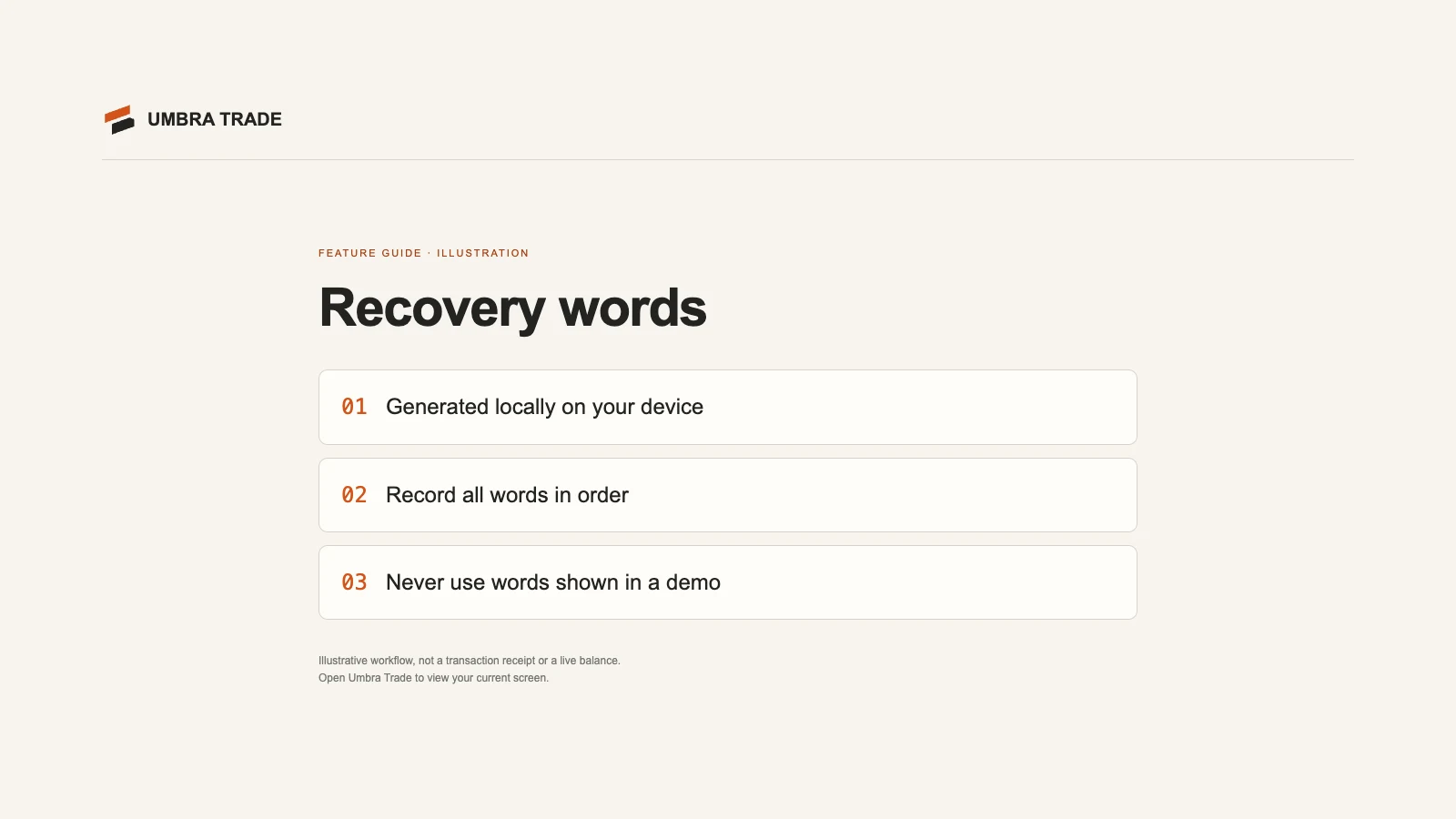
Anyone with the 24 words can move your money. Keep them offline. Umbra Trade never asks for them, and no website should.
Restoring instead? I have a recovery phrase takes your 24 words or a backup file. See Backup and recovery.
2. Back it up
| Option | What it holds | Where |
|---|---|---|
| 24 words | The balance and every private wallet's key | On paper, offline |
| Backup file | Your words and your private-wallet list, locked with a passphrase | Settings → Backup file |
| Passphrase lock | Asks for a passphrase each time Umbra Trade opens in this browser | Settings → Passphrase lock |
Make a backup file once you have private wallets: it is the only way to bring back Polymarket and Polymarket Perps wallets on a new browser.
3. Deposit from Zodl
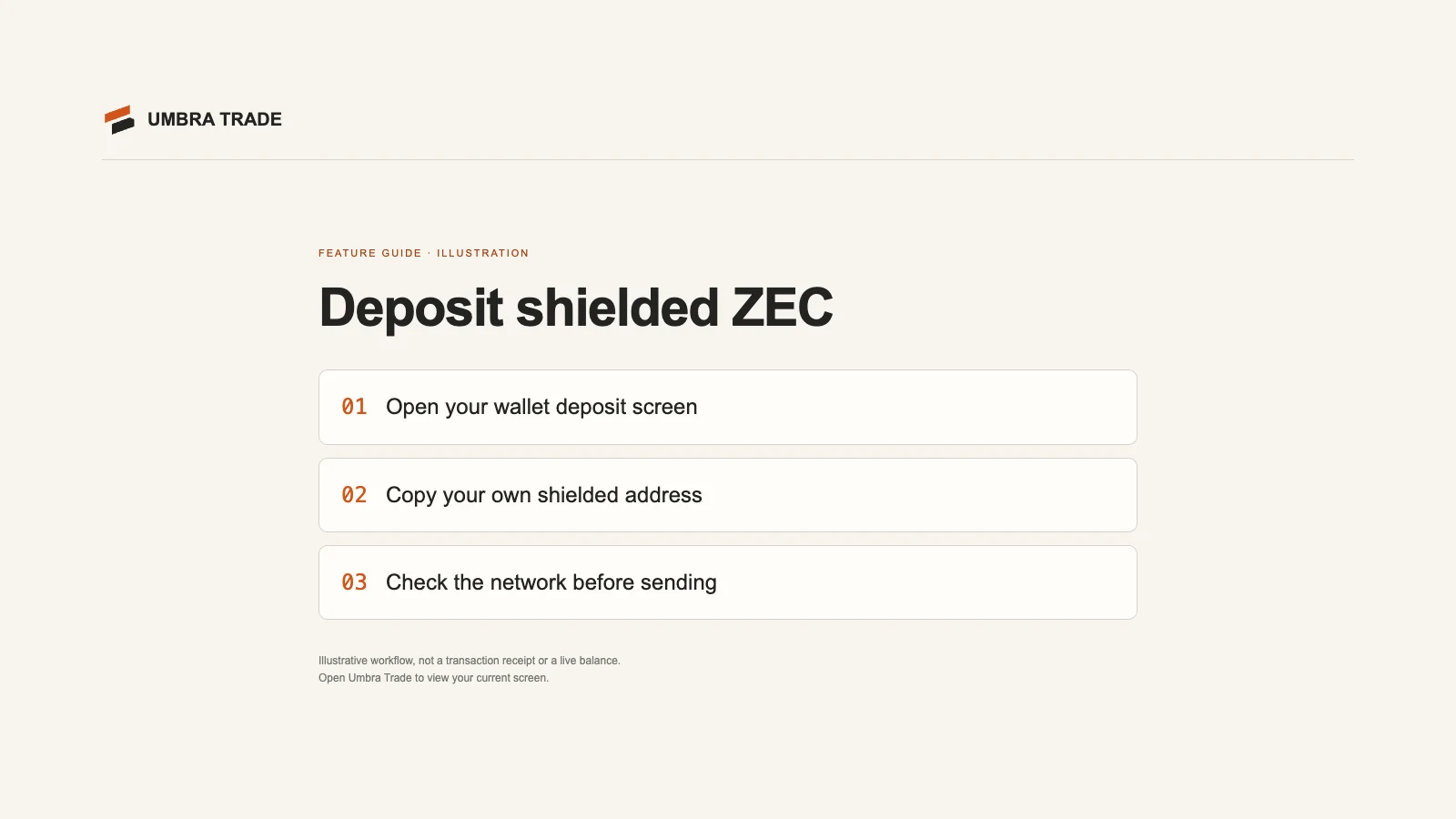
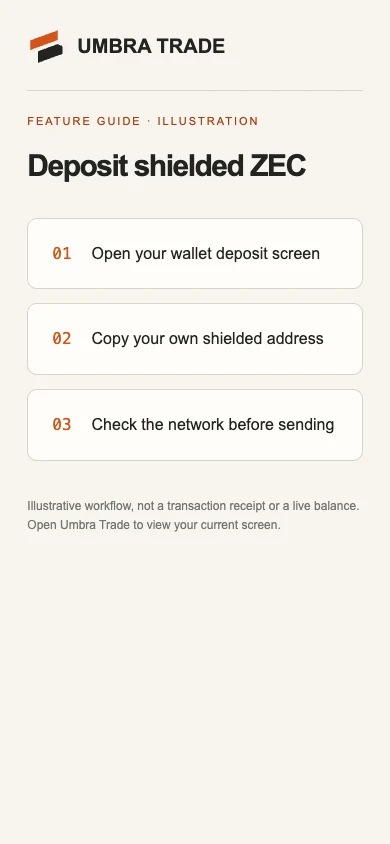
Open Deposit (on Portfolio, or in More). It makes a fresh shielded address each time: a unified address with only an Orchard receiver, never reused.
In Zodl (or any shielded Zcash wallet), scan the QR code or paste the address and send ZEC.
It shows up once it's mined (mainnet blocks come about every 75 seconds; the wallet checks every 30). It can fund a wallet after 10 confirmations, about 12–13 minutes; until then Portfolio shows it under Confirming.
What happens next depends on where the ZEC came from:
| Your deposit came from | It can fund a wallet |
|---|---|
| A shielded address (Zodl's default) | After 10 confirmations, about 12–13 minutes |
| A public (transparent) address, such as an exchange | After resting 2–6 hours, picked per note ("From a public address: resting 2–6 h") |
The rest keeps an arrival from a public address from being matched to your next trade.
4. Open a market
Pick a market on Markets, Predict, Trade or Tokens. Your first trade on a venue asks you to fund a private wallet for it, which takes a few minutes. Keep one ready funds one ahead of time, so a later trade needn't wait.